
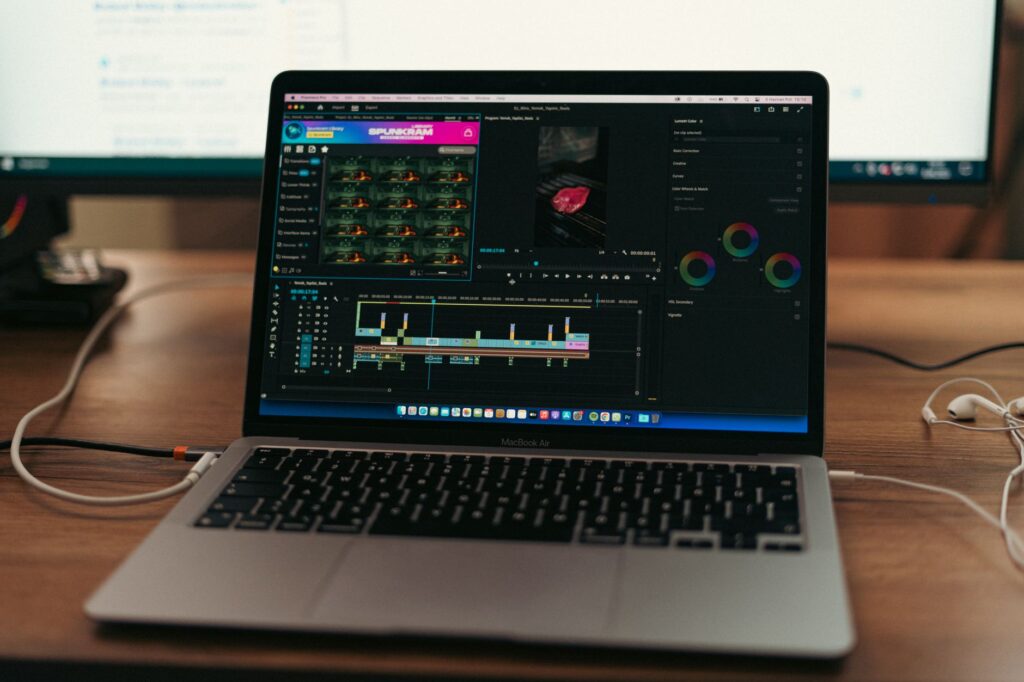
Short-form video for TikTok, Reels, and Shorts has different requirements than the cinematic, longer-clip generation most AI video tools get benchmarked on — fast turnaround, vertical format handling, and text-overlay workflows matter more than raw photorealism for this specific use case.
Speed and iteration count for more than polish here
A short-form creator posting daily needs to generate, review, and discard clips quickly, which makes a tool’s generation speed and per-clip cost more important than squeezing out the absolute highest fidelity output. A slightly less photorealistic clip produced in 30 seconds beats a stunning one that takes ten minutes when you’re producing volume.
Vertical-native tools save real editing time
Tools built with 9:16 vertical output as a first-class option, rather than requiring you to generate horizontal and crop afterward, avoid the composition problems that come from cropping a scene that was framed for widescreen. Check a tool’s native aspect ratio support before assuming you can just crop your way to a usable vertical clip.
Built-in caption and text-overlay tools reduce the actual production pipeline
Short-form content lives or dies on captions and on-screen text, and platforms that bake auto-captioning and text-overlay templates directly into the video generation workflow save a genuinely meaningful editing step compared to exporting raw clips to a separate captioning tool every time.
Consistency across a series matters more than any single clip
A short-form content calendar usually means the same character, product, or visual style appearing across many posts, and tools with reference-image or character-consistency features hold that look together across a week of content in a way that regenerating from scratch each time can’t reliably match.
What this means for tool choice
Prioritize a tool’s cost-per-generation and turnaround speed over marginal photorealism gains if you’re producing daily content, and specifically check for native vertical support and built-in captioning before comparing raw video quality between platforms — those workflow features save more real time than a slightly sharper render.
Related Auburn AI Products
Automating your own content or research with Claude and n8n? Ready-to-import workflows:
General information only, not professional advice. Details can change or contain errors, so check with the manufacturer or an official source before you rely on them. Use of this site is subject to our Disclaimer and Terms of Service.